


Description
Dual-Beam LED Ditch Lights. One Complete Kit.
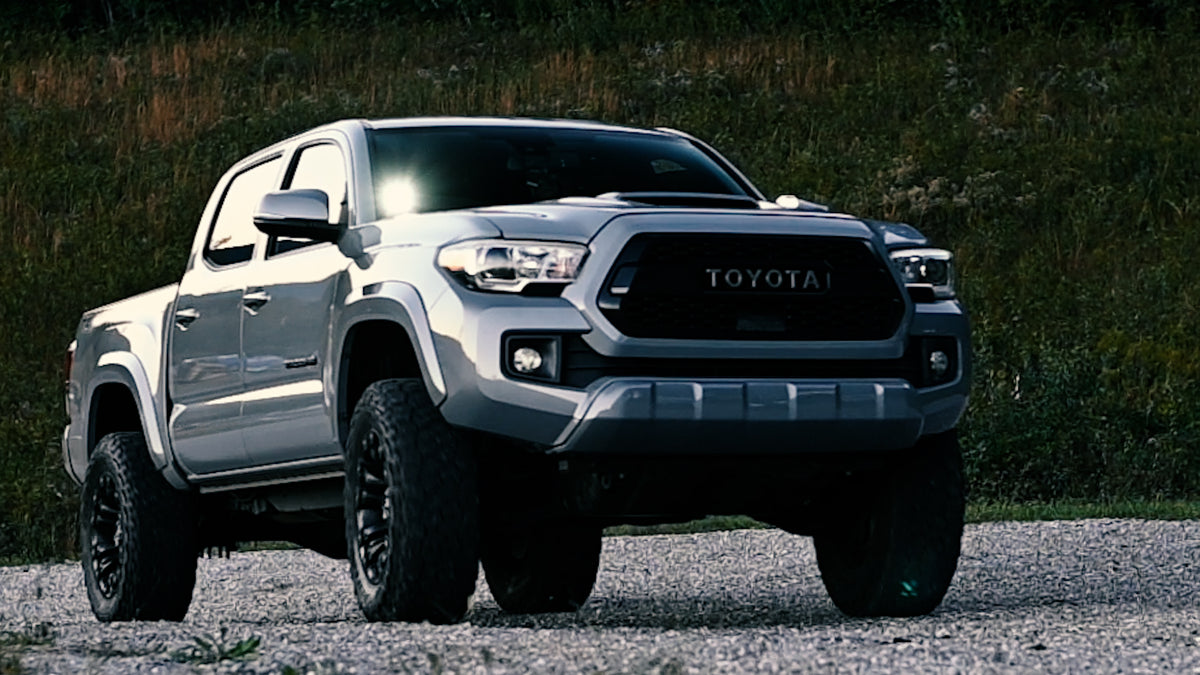
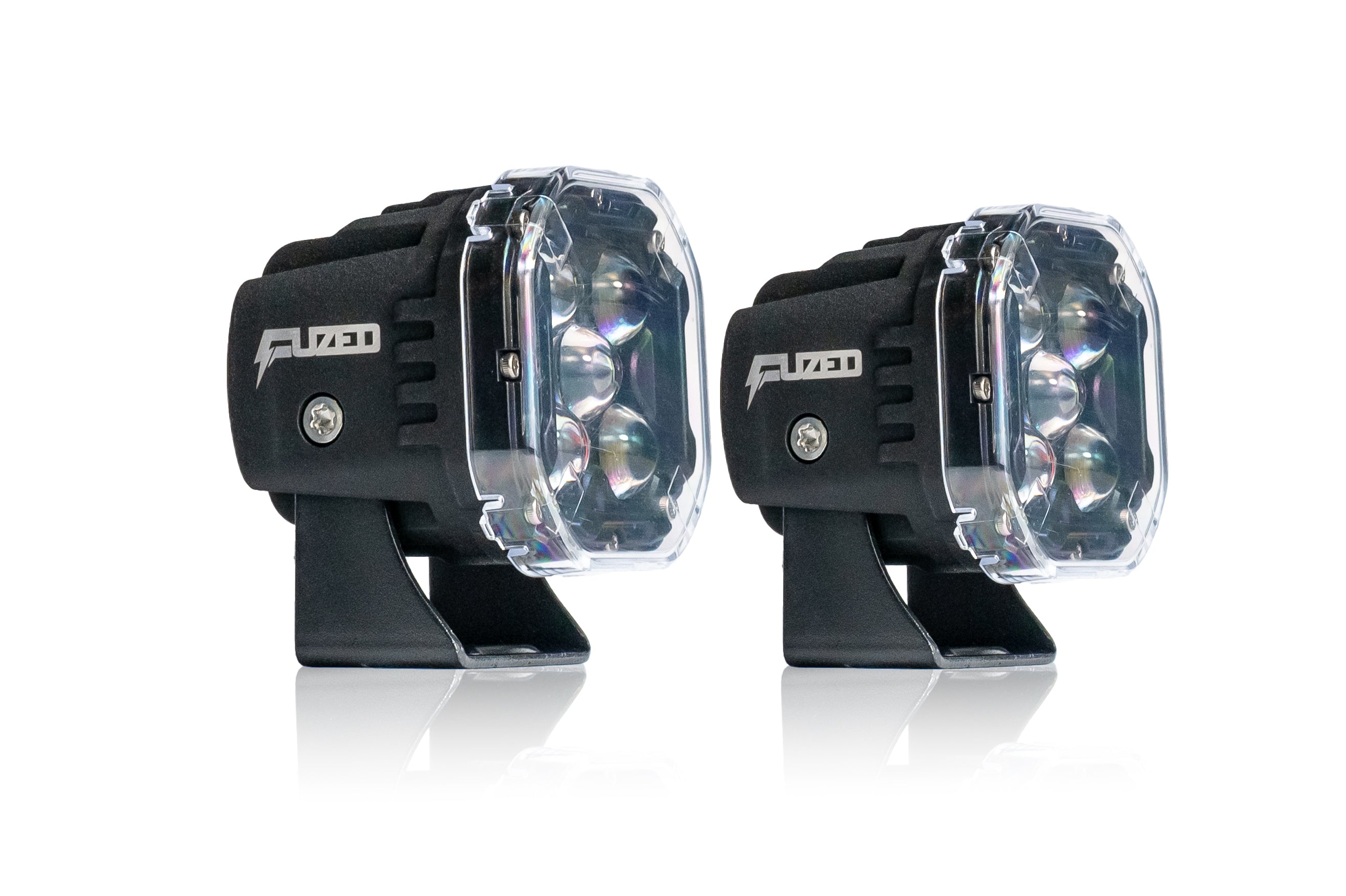
Add wide-area auxiliary lighting to your Tacoma with a pair of FUZED F1 Black Series 3-inch LED pods, vehicle-specific hood brackets, a relay wiring harness and a dual push-button switch. The low- and high-beam functions operate independently—or together when you want both patterns. Quick-connect switch wiring helps simplify installation without splicing multiple wire ends.
Independent dual-beam controlVehicle-specific bracketsReal-world tested
Everything you need for the lighting upgrade
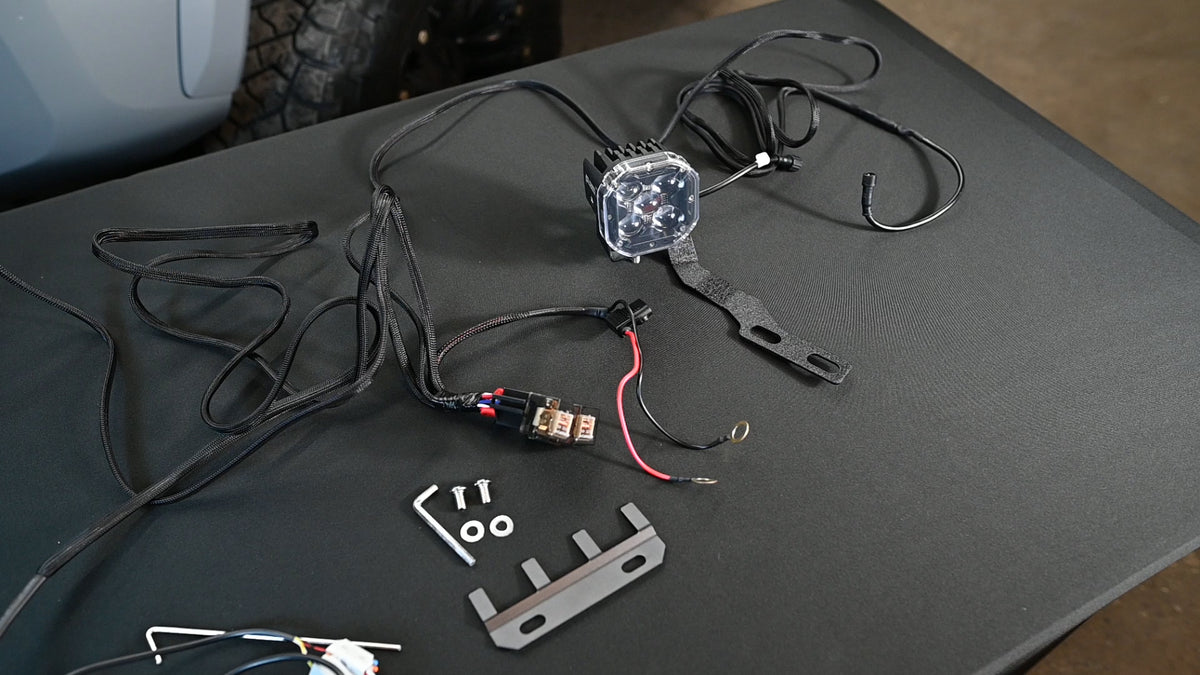
Standard kit includes:
- Two FUZED F1 Black Series 3-inch LED pods
- Pair of 2016–2023 Tacoma hood-hinge mounting brackets
- Relay and wiring harness
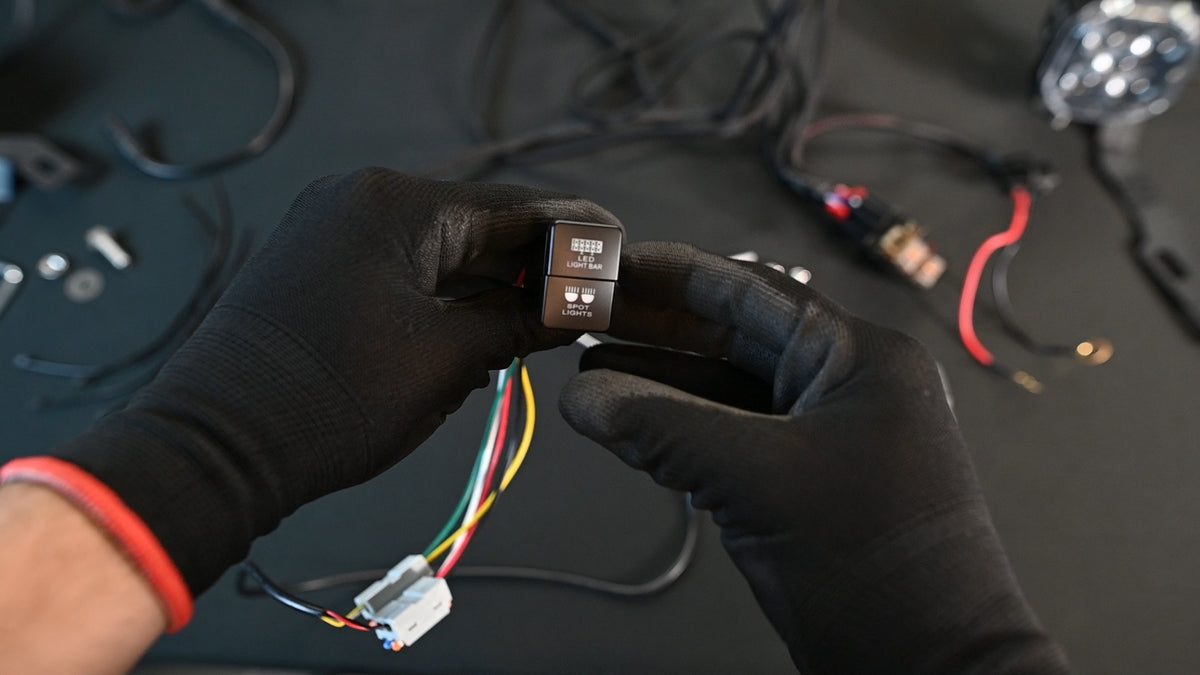
- Dual push-button switch for separate low- and high-beam operation
- Supplied mounting hardware
Optional relay mounting bracket sold separately. Kit contents and hardware should be confirmed against the final packaged product.
See the difference between each beam mode
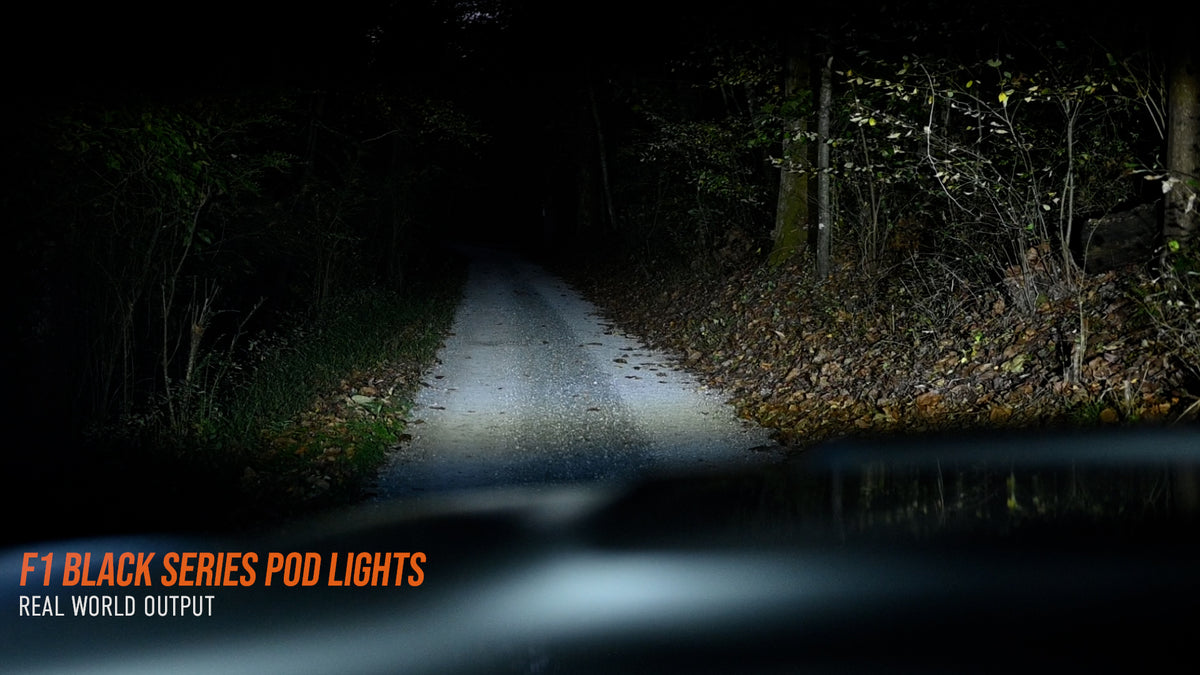
These photos show the same off-road scene with the independently controlled low beam, high beam and both beams together.


1,181 lux at 20 feet
Hotspot reading with both LED pods illuminated and both beam functions activated, measured at 20 feet during our Tacoma installation test.
Lux measures illumination at the meter, not total lumen output. Results vary with aiming, distance and test conditions.
Low beam, high beam—or both
The included dual push-button switch gives you separate control of the two beam functions. Choose the pattern that fits your off-road conditions without needing to activate both every time.
Mounting and wiring are demonstrated in our installation walkthrough below.


Add a relay mounting bracket
Choose the optional relay mounting bracket for a dedicated mounting point for the relay assembly and a tidier engine-bay installation.
Not included with the standard kit. Select the bracket upgrade using the product option above the Add to Cart button.
Specifications & fitment
*Confirm compatibility with any aftermarket hoods, cowl accessories or other equipment before purchase. Auxiliary lights may be restricted on public roads; follow applicable local laws.
View the full installation walkthrough
Follow our Tacoma-specific mounting, quick-connect switch wiring, relay installation, and aiming walkthrough. The photo steps stay collapsed until you need them.
Watch the complete installation and night test
View Installation Instructions — 13 Photo Steps
Quick-connect switch wiring: In the filmed installation, matching colors connect together except the harness white wire, which connects to the switch green wire. Check the wiring diagram supplied with your specific switch and harness before connecting. The optional switch backlight was not wired in this video.
Before you begin: Park safely with the ignition off and follow the vehicle and harness safety instructions. Disconnect the negative battery terminal before electrical work. Support the hood while loosening hinge fasteners, protect existing wiring and grommets, and verify clearance before driving.

Step 1. Install the Tacoma hood-hinge bracket
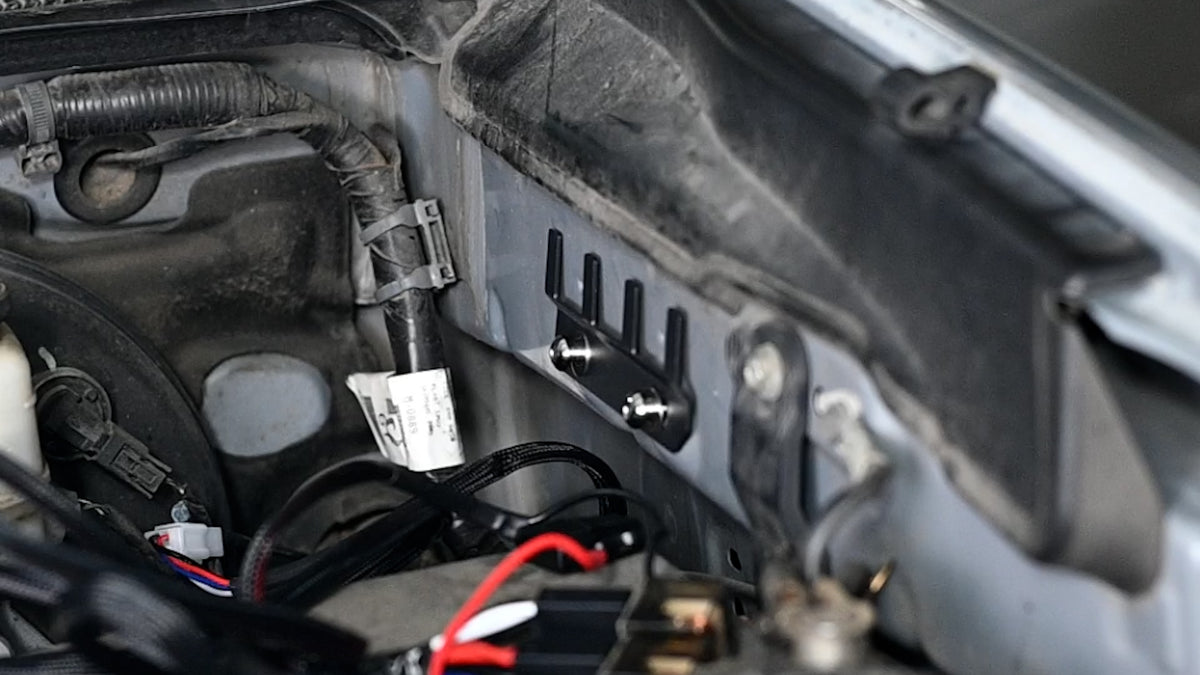
Remove the upper hood-hinge bolt, position the ditch-light bracket, then loosely reinstall the bolt. Support the hood while removing the lower bolt. Align the bracket using the original hinge marks, check clearance behind the hood, tighten the hinge fasteners to the vehicle manufacturer’s specification, and return the washer-fluid hose to its original position.

Step 2. Attach the LED pod mounting hardware
Remove the pod’s original bracket using the supplied Torx tool, then attach the mounting hardware to the Tacoma-specific ditch-light bracket. Leave adjustment hardware slightly loose for aiming.

Step 3. Mount both LED pods and check clearance
Align the pod mounting holes and install the fasteners. Repeat on the opposite side. With the hood fully open, confirm that the pods clear the windshield and surrounding bodywork.

Step 4. Lay out the relay wiring harness
Position the relay leads near the battery. Route the longer pod lead toward the passenger side and the shorter lead toward the driver side. Plan to secure the excess driver-side wire after testing.

Step 5. Feed the switch wires through the firewall
Route the switch wiring toward an existing rubber firewall grommet. In the video, the supplied hook tool is used to guide the wires through a small opening in the grommet. Protect the wire insulation and reseal the opening to prevent water intrusion.

Step 6. Install and connect the correct-size switch
Choose the switch size that matches an available Tacoma dash opening; some trucks have an existing accessory switch occupying the smaller position. Remove the blank, fit the supplied dual switch, and connect the wiring. The video demonstrates the quick-connect system without wire-end splicing.

Step 7. Fit the optional relay mounting bracket
If you selected the relay mounting bracket upgrade, install it at the demonstrated engine-bay mounting point using the supplied hardware. This bracket is optional and not part of the standard kit.

Step 8. Secure the relay assembly
Mount the relay assembly to the optional bracket, if fitted, using the included hardware. Otherwise, secure the relays according to the supplied harness instructions, away from moving parts and heat.

Step 9. Connect the pods and secure the harness
Route each pod lead through the opening shown near the hood seal. Align the keyed waterproof connectors, push them fully together, and tighten their locking collars. Keep the wiring clear of the hood seal and hinge movement.

Step 10. Connect battery power safely
With the ignition off, verify the harness fuse and polarity against the supplied wiring diagram. For a conventional negative-ground battery, connect the positive supply first and the negative/ground last. The video shows a different connection order; follow the safer sequence and the vehicle/harness instructions.

Step 11. Test the low and high beam modes
Check the switch and test low beam, high beam, and both together. The video explains that matching wire colors are joined through quick connectors except the harness white wire, which connects to the switch green wire for the demonstrated switch configuration. Verify colors against your kit’s current wiring diagram before making connections.

Step 12. Tuck away and secure the wiring
Bundle excess harness length and secure it alongside existing engine-bay wiring, as shown in the video. Keep wires away from hot surfaces, sharp edges, and moving components. Confirm the hood opens and closes without catching the harness.

Step 13. Aim the pods and tighten the hardware
Remove the protective film from the lenses. Aim the pods for your intended off-road use, then tighten the lower mounting nut with a 13 mm wrench and the side adjustment fasteners with the supplied Torx tool. Protect the hood paint and recheck clearance.
These photos provide an overview, not a substitute for the instructions supplied with your wiring harness. Installation details can vary by vehicle configuration.